You armoured the door — and let in anyone who says the right name
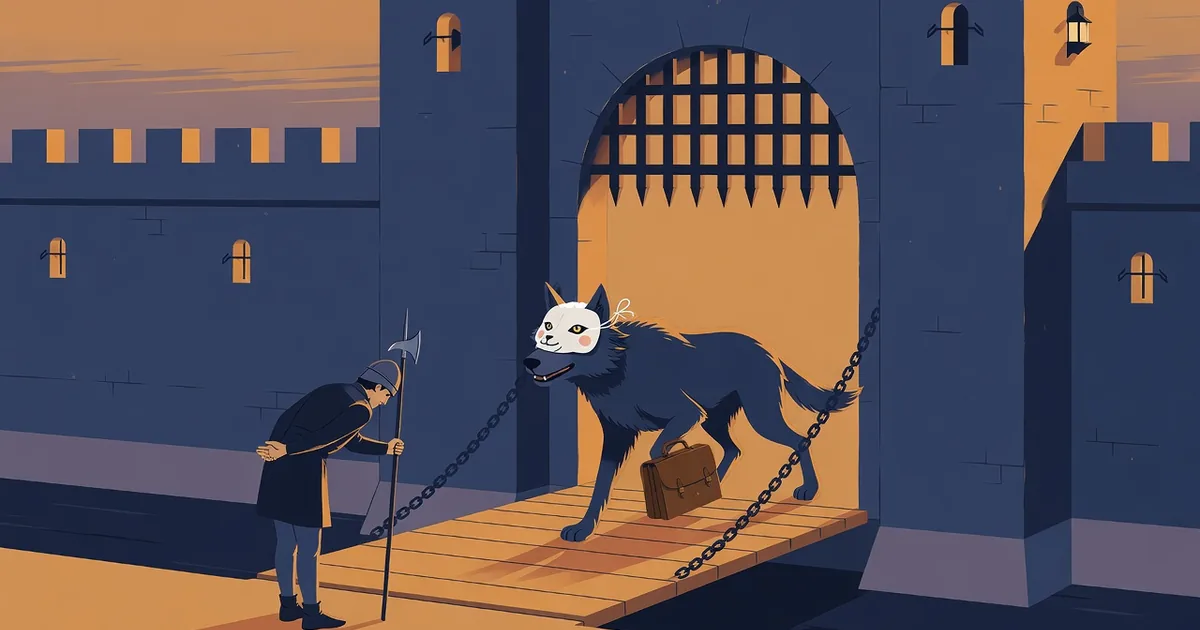
You did the work. SPF, DKIM, DMARC at p=reject. Nobody can send email as your company any more. The tester is green, the auditor is happy, the box is ticked.
Then, on a Tuesday afternoon, accounting receives a message from your biggest supplier. Same name, same signature block, same tone as the last forty invoices. We've changed banks — please use the new account for the outstanding balance.
It passes every check you set up. Because your checks were never about that email.
What your DMARC policy actually protects
DMARC is a rule you publish about your own name. It tells every mail server in the world: if a message claims to come from us and doesn't carry our signature, refuse it. That is real protection — for the people who receive mail from you, and it happens to cover one thing you receive too: someone forging your own domain to attack your own people internally, [email protected] faking a request to [email protected]. Your own policy catches that one, the moment your own mail system checks it.
It does almost nothing, though, for mail that arrives claiming to be from someone else's domain — your suppliers, your customers, your accountant, your bank, a government agency, the software you pay for every month. Each of those messages is protected by their policy, not yours.
And most of them have none.
The number
In August we checked the public DNS records of 296 Quebec organizations across nine sectors. 72% do not block impersonation of their own name. Twenty-four percent are wide open — anyone, anywhere, can send an email as them and it reaches the inbox looking exactly like the real thing. Another 48% only file the forgery to junk, one setting short of refusing it.
Hospitals. Universities. Accounting firms. Law firms. Municipalities. The kind of names that sit at the top of your address book.
Now picture your own list — the 300 addresses that write to you most often. The suppliers who send invoices. The clients who send purchase orders. The payroll provider. The agency that sends you notices. Statistically, most of those doors are not locked, and every one of them opens onto your accounting department.
The attacker doesn't hack anything
This is the part that unsettles people once they see it. To send an email as a supplier who has no DMARC policy — or one at p=none, monitoring mode only, which reports the forgery and stops none of it — an attacker needs no password, no malware, no breach. They type the supplier's address in the From field and press send. Email has worked that way since 1982.
The harder version is worse. The supplier's real mailbox gets compromised, and now the message genuinely is from them — signed, authenticated, sitting in the middle of a real thread. No DNS record on earth stops that one, which is why the last section of this post is not about DNS at all.
Two things have changed recently. The messages are now written by AI, so the typo, the odd phrasing, the "kindly revert" — the tells everyone was taught to look for — are gone. And the volume is industrial: one attacker, thousands of unlocked names, a script.
Three things that actually close the gap
1. Make sure you are not someone else's unlocked door.Check your domain. It takes a minute and it is free. If you are still at p=none, you are the supplier in somebody else's version of this story. Our guide to what actually needs to change covers the rest.
2. Ask the people who write to you. Almost nobody does this, which is exactly why it works. Send this post to your five biggest suppliers and your accountant with one question: can anyone send email in your name? Most will not know. Their IT will find out in about a minute at the link above. You are not being difficult — you are the customer who noticed before the fraud instead of after.
3. Let your email filter do the asking for you. Nobody can chase 300 correspondents by hand, and the list changes every month. Some filtering services have started doing it automatically. One example — with full disclosure, it is built by the same team as DMARC Guy — is LastSpam's Sender Notices: when a legitimate email arrives from a domain that could be impersonated, it sends that sender a short, polite note naming the exact problem and the fix. It only ever writes to senders whose mail was genuinely authenticated and accepted — never about spam, never to Gmail or Outlook addresses, at most once a week per sender, their postmaster copied once — and it never names you unless you choose to. The senders fix their domain; your inbox gets safer without anyone logging in anywhere.
We are biased, obviously. So ask your own provider — whoever filters your mail today — one question: what do you do about the senders who could be impersonated? If the answer is "we block the bad ones", that is the answer to a different question.
The one thing DNS can't fix
For the compromised-account version — the real supplier, the real thread, the new bank account — no record helps. The fix is older than email: any change to payment details gets confirmed by phone, at a number you already had, before a cent moves. Write it down as policy. The attackers are counting on it not being written down.
Armour the door, then look at who has keys
Protecting your own name was the right thing to do. It was also half the job — the half you can finish alone. The other half belongs to everyone who writes to you, and until now nobody was even asking them.
Start with your own domain: check it here. Then forward this to the person who sends you invoices.
Want to read this later? Email it to yourself.
Stay ahead of email threats
Get our latest DMARC, SPF, and email-security guides in your inbox. No spam — unsubscribe anytime.
We only use your email to send blog updates. One click unsubscribes you.